How to Edit a PDF for Free Offline
Discover free ways to edit PDF offline using built-in Windows and Mac tools, plus a free desktop PDF editor for advanced edits — PDF Agile.
You don't always need to pay for an expensive subscription to edit a PDF. Both Windows and macOS ship with surprisingly capable free tools, and there are free desktop editors that handle more advanced edits without recurring fees. This guide rounds up every genuinely free, offline way to edit a PDF, and explains where each one's limits begin.
Free General Methods to Resolve This Task
Method 1: Genuinely Free Offline PDF Editing Tools
These options cost nothing and run on hardware you already own:
- macOS Preview (Free on Mac): Add text, signatures, shapes, and annotations; reorder, rotate, and delete pages; and fill simple forms — all free and offline. It cannot edit existing body text.
- Microsoft Word (Free trial / owned): Convert a PDF to editable text by opening it in Word, then re-export to PDF. Great for text edits if you accept some layout shift.
- LibreOffice Draw (Free & Open Source): The free LibreOffice suite includes Draw, which can open PDFs and let you edit text boxes and images, then export back to PDF. It is the most capable fully free desktop option for direct edits.
Free tools are perfect for occasional edits. When you need reliable font matching, inline image editing, OCR, or batch processing, a free-to-try desktop editor like PDF Agile bridges the gap without a forced subscription.
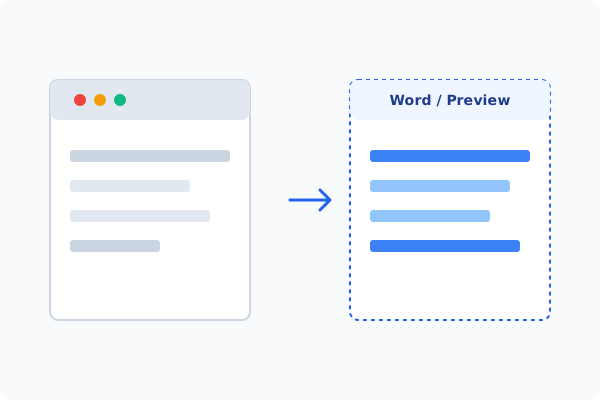
Method 2: How to Process Edit PDF for Free 100% Offline via PDF Agile
If built-in tools are too manual, convert file layouts, or pose a privacy risk, running a lightweight desktop PDF editor like PDF Agile is the fastest and safest solution on Windows. Follow these steps:
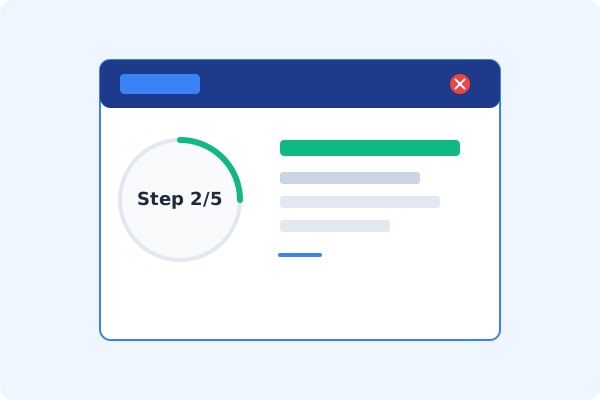
Download & Open PDF Agile
Install PDF Agile and open your PDF. The desktop app processes files locally for free, with no signup wall to view your document.
Choose the Edit Tab
Click the Edit tab on the Ribbon to access free editing tools.
Select Edit Content
Click Edit Content to make text and images editable.
Edit Text, Images, or Pages
Make your changes using the font-matching text editor and page tools.
Save to Your Computer
Press Ctrl+S to export your edited PDF locally, with no watermark added.
Why Desktop Offline PDF Processing is Superior
For individuals and corporations, desktop-grade utilities protect your data boundaries while maintaining peak rendering speed:
No subscription required for core offline editing
No watermark stamped on your output files
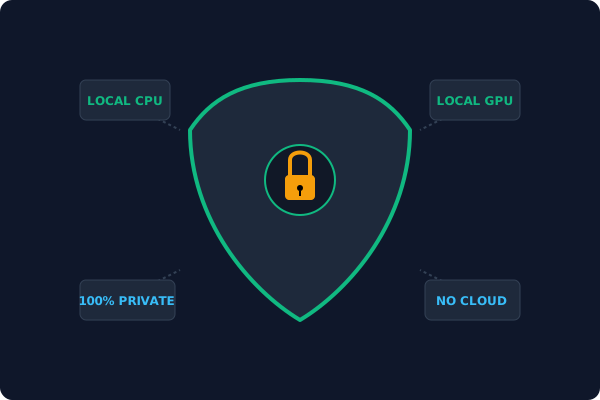
Files stay on your device
completely private
Offline Local Software vs. Online & Subscription Editors
Before deciding how to handle your document, look at how different solutions stack up against your requirements:
| Features / Risks | Online PDF Editors | Adobe Acrobat | PDF Agile (Offline) |
|---|---|---|---|
| Data Privacy & Safety | ❌ Unsafe (File Uploaded to Cloud) | ⚠️ Average (Cloud Sync Enabled) | ✔ 100% Safe (Processed Locally) |
| File Size & Page Limits | ❌ Strict Limits (Often <20MB) | ✔ Unlimited Pages | ✔ Unlimited Pages (No Cap) |
| Subscription Fees | ⚠️ Free with Ads or Monthly Cap | ❌ Very Expensive ($20+/Month) | ✔ Affordable Lifetime Buyout |
| Offline Performance | ❌ Zero (Requires Internet) | ✔ Slow Setup & Cloud Checks | ✔ Instant Local CPU/GPU Loading |
Contextual PDF Guidelines
Managing complete workflows? If your priority is avoiding online upload risks, you may also want to learn how to edit PDF text offline with precise font control, or how to convert PDF to Office offline for deeper edits in Word.
Frequently Asked Questions & Workarounds
What is the best free way to edit a PDF on Mac?
macOS Preview is the best free built-in option for annotations and page management. For editing existing text, LibreOffice Draw or PDF Agile work better.
Do free PDF editors add watermarks?
Many free online editors do. Built-in OS tools and PDF Agile's desktop editor do not stamp watermarks on your output.
Is editing a PDF for free safe?
It is safest with offline tools that never upload your file. Avoid free online editors for confidential documents.
Tired of Expensive Adobe Subscriptions?
Try PDF Agile. Get professional, desktop-grade PDF tools with a lifetime buyout license. 100% offline and secure.