How to Edit PDF Files Offline Without Adobe
Learn how to edit PDF files offline without Adobe Acrobat using free built-in tools and an affordable desktop alternative — PDF Agile.
Adobe Acrobat Pro is powerful, but its recurring subscription is overkill for most people who just need to edit a PDF occasionally. The good news: you have several capable alternatives, from free built-in OS tools to affordable one-time-purchase desktop editors. This guide covers every way to edit PDF files offline without Adobe.
Free General Methods to Resolve This Task
Method 1: Free Built-in Alternatives to Adobe Acrobat
You can replace Acrobat for many tasks using tools you already have:
- macOS Preview (Free on Mac): Handles annotations, signatures, shapes, form filling, and page management — covering a large share of what casual users need Acrobat for.
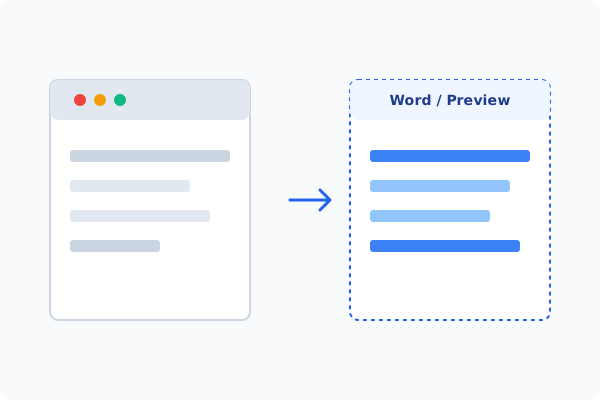
- Microsoft Word (Office): Converts PDFs to editable text so you can edit and re-export, no Acrobat required.
- LibreOffice Draw (Free & Open Source): Opens PDFs directly and lets you edit text boxes and images, then export back to PDF — the strongest fully free desktop alternative.
- Microsoft Edge (Built-in): Draw, highlight, and add notes for quick markups.
When you need Acrobat-grade features like font-matched text editing, OCR, redaction, and digital signatures — without the subscription — an affordable desktop editor like PDF Agile is the practical alternative.
Method 2: How to Process Edit Without Adobe 100% Offline via PDF Agile
If built-in tools are too manual, convert file layouts, or pose a privacy risk, running a lightweight desktop PDF editor like PDF Agile is the fastest and safest solution on Windows. Follow these steps:
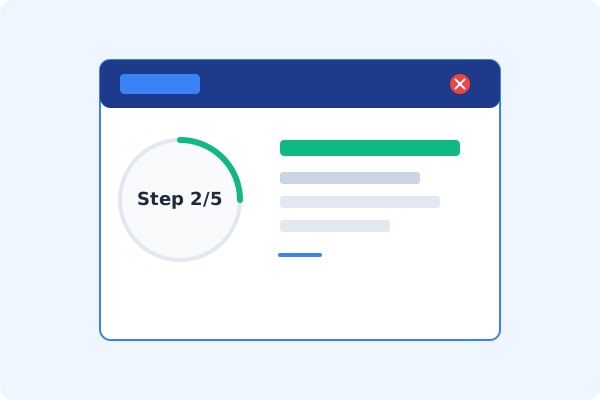
Download & Open PDF Agile
Install PDF Agile, an affordable Adobe Acrobat alternative, and open your PDF locally.
Click the Edit Tab
Select the Edit tab on the Ribbon menu.
Use Edit Content
Click Edit Content to edit text with font matching and modify images in place.
Access Advanced Tools
Use the Convert, Protect, and Comment tabs for OCR, redaction, signatures, and markup — all without Adobe.
Save Locally
Press Ctrl+S to save your edited PDF directly to your computer.
Why Desktop Offline PDF Processing is Superior
For individuals and corporations, desktop-grade utilities protect your data boundaries while maintaining peak rendering speed:
Acrobat-grade editing without a recurring subscription
One-time lifetime license instead of monthly fees
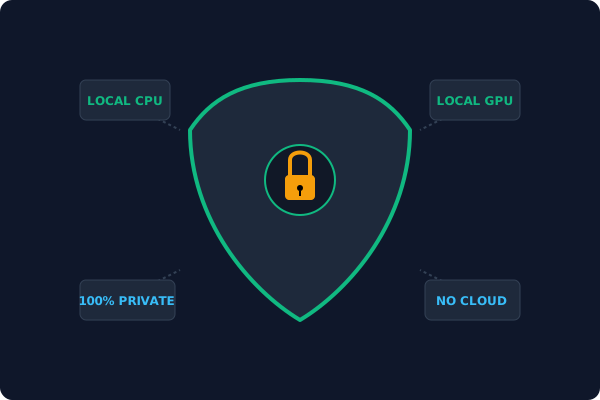
Fully offline
your files never touch Adobe's cloud
Offline Local Software vs. Online & Subscription Editors
Before deciding how to handle your document, look at how different solutions stack up against your requirements:
| Features / Risks | Online PDF Editors | Adobe Acrobat | PDF Agile (Offline) |
|---|---|---|---|
| Data Privacy & Safety | ❌ Unsafe (File Uploaded to Cloud) | ⚠️ Average (Cloud Sync Enabled) | ✔ 100% Safe (Processed Locally) |
| File Size & Page Limits | ❌ Strict Limits (Often <20MB) | ✔ Unlimited Pages | ✔ Unlimited Pages (No Cap) |
| Subscription Fees | ⚠️ Free with Ads or Monthly Cap | ❌ Very Expensive ($20+/Month) | ✔ Affordable Lifetime Buyout |
| Offline Performance | ❌ Zero (Requires Internet) | ✔ Slow Setup & Cloud Checks | ✔ Instant Local CPU/GPU Loading |
Contextual PDF Guidelines
Managing complete workflows? Ready to switch? See how to edit PDF text offline with font matching, or how to add a digital signature to PDF offline — both without an Adobe subscription.
Frequently Asked Questions & Workarounds
What is the best Adobe Acrobat alternative?
For free, macOS Preview and LibreOffice Draw cover the basics. For full features at a lower cost, an offline desktop editor like PDF Agile is a strong alternative.
Can I edit PDF text without Adobe?
Yes. LibreOffice Draw and PDF Agile both edit existing PDF text offline, and Word can convert PDFs for editing.
Do Adobe alternatives work offline?
Yes. Preview, LibreOffice, and PDF Agile all process files locally without uploading to any cloud.
Tired of Expensive Adobe Subscriptions?
Try PDF Agile. Get professional, desktop-grade PDF tools with a lifetime buyout license. 100% offline and secure.