How to Add a Digital Signature to PDF Offline
Apply certificate-based digital signatures to PDF offline on desktop. Legally valid, secure local signing — PDF Agile.
Signing contracts, invoices, or non-disclosure agreements digitally is essential for secure, paperless workflows. Unlike raw handwritten signatures, certificate-based digital signatures provide legal validity and make documents tamper-evident. This guide covers basic sign methods and explains how to add a digital signature to PDF offline using the Protect tab in PDF Agile.
Free General Methods to Resolve This Task
Signing a PDF digitally keeps your workflow paperless, but there is a crucial distinction to understand first: a visual signature (a picture of your handwriting) is not the same as a certificate-based digital signature that is legally binding and tamper-evident. The free operating-system tools below produce visual signatures only, which is fine for informal approvals but not for compliance.
Method 1: Windows & macOS Free Visual Signature Workarounds
You can add a visual signature to a PDF for free using built-in tools, as long as you understand their legal limits:
- macOS Preview Signature Tool (Free on Mac): Open the PDF in Preview, show the Markup Toolbar, and click the Sign button. You can draw your signature on the trackpad, or hold a signed sheet of paper up to your webcam and let Preview capture it. Saved signatures can be reused and dropped onto any page. This is quick and genuinely useful, but it is a visual stamp only — it carries no cryptographic certificate and cannot prove the document is unaltered.
- Microsoft Edge / Adobe Reader Fill & Sign (Windows): Edge's Draw pen lets you sign directly with a stylus or mouse. The free Adobe Acrobat Reader also offers a Fill & Sign feature where you type, draw, or import a signature image. Again, both produce a visible signature, not a PKI-backed digital signature.
- Free Cloud E-Sign Trials (Privacy Caveat): Services like DocuSign or Adobe Sign offer limited free tiers that can apply audited e-signatures, but they require uploading your document to their servers and usually cap the number of free signs per month — unsuitable for confidential or high-volume signing.
For agreements that must be legally valid and tamper-evident, you need a certificate-based digital signature applied locally so your private key never leaves your machine. The Digital Signature tool in PDF Agile embeds your certificate offline and lets recipients verify document integrity in any standard reader.
Method 2: How to Process Digital Signature 100% Offline via PDF Agile
If built-in tools are too manual, convert file layouts, or pose a privacy risk, running a lightweight desktop PDF editor like PDF Agile is the fastest and safest solution on Windows. Follow these steps:
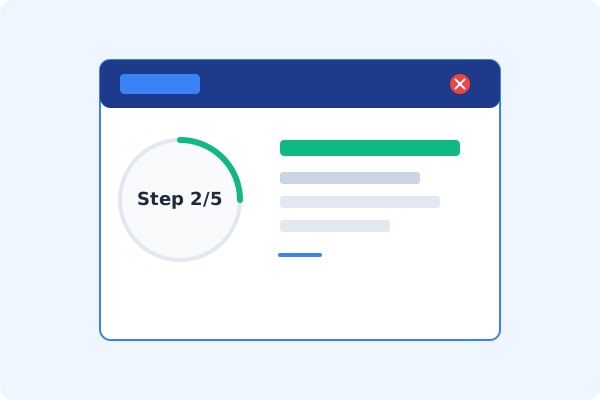
Open PDF Agile and Load Document
Start the desktop program and open the PDF file you wish to sign locally.
Navigate to the Protect Tab
Click the Protect tab on the Ribbon menu to access document signature and verification features.
Click Digital Signature on the Ribbon
Select Digital Signature. Your cursor will turn into a crosshair.
Draw Signature Box & Select Certificate
Click and drag to position your signature field. In the popup, select your digital certificate (.pfx / .p12 file) and input your PIN.
Apply Signature & Save Offline
Click Sign. PDF Agile embeds the cryptographic certificate data into the PDF stream and saves the file locally.
Why Desktop Offline PDF Processing is Superior
For individuals and corporations, desktop-grade utilities protect your data boundaries while maintaining peak rendering speed:
Apply certificate-based, legally binding, tamper-evident digital signatures
Cryptographic signature blocks display validation alerts in Adobe Acrobat
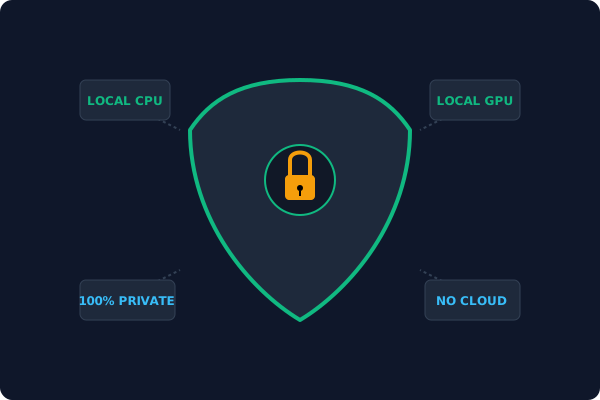
100% offline signing
private keys and certificates stay secure on your computer
Offline Local Software vs. Online & Subscription Editors
Before deciding how to handle your document, look at how different solutions stack up against your requirements:
| Features / Risks | Online PDF Editors | Adobe Acrobat | PDF Agile (Offline) |
|---|---|---|---|
| Data Privacy & Safety | ❌ Unsafe (File Uploaded to Cloud) | ⚠️ Average (Cloud Sync Enabled) | ✔ 100% Safe (Processed Locally) |
| File Size & Page Limits | ❌ Strict Limits (Often <20MB) | ✔ Unlimited Pages | ✔ Unlimited Pages (No Cap) |
| Subscription Fees | ⚠️ Free with Ads or Monthly Cap | ❌ Very Expensive ($20+/Month) | ✔ Affordable Lifetime Buyout |
| Offline Performance | ❌ Zero (Requires Internet) | ✔ Slow Setup & Cloud Checks | ✔ Instant Local CPU/GPU Loading |
Contextual PDF Guidelines
Managing complete workflows? Before signing, make sure to redact sensitive text in PDF offline to hide trade secrets, or insert page numbers in PDF offline to complete the document format.
Frequently Asked Questions & Workarounds
What is the difference between an electronic signature and a digital signature?
An electronic signature is a visual stamp of your handwritten name. A digital signature is certificate-backed and cryptographically links your identity to the file, detecting unauthorized changes.
How do I verify a digital signature?
Open the signed document in Adobe Acrobat or PDF Agile. The viewer will parse the certificate layer and display a verification banner confirming document integrity.
Do I need my own PKI certificate?
Yes. To apply a cryptographically valid signature, you must select your digital certificate file in the signature wizard.
Tired of Expensive Adobe Subscriptions?
Try PDF Agile. Get professional, desktop-grade PDF tools with a lifetime buyout license. 100% offline and secure.